
The easiest way to start with Codex design mode is this: open the page yourself, point to the element, and give one small instruction.
The 30-second flow
- Open the project in Codex.
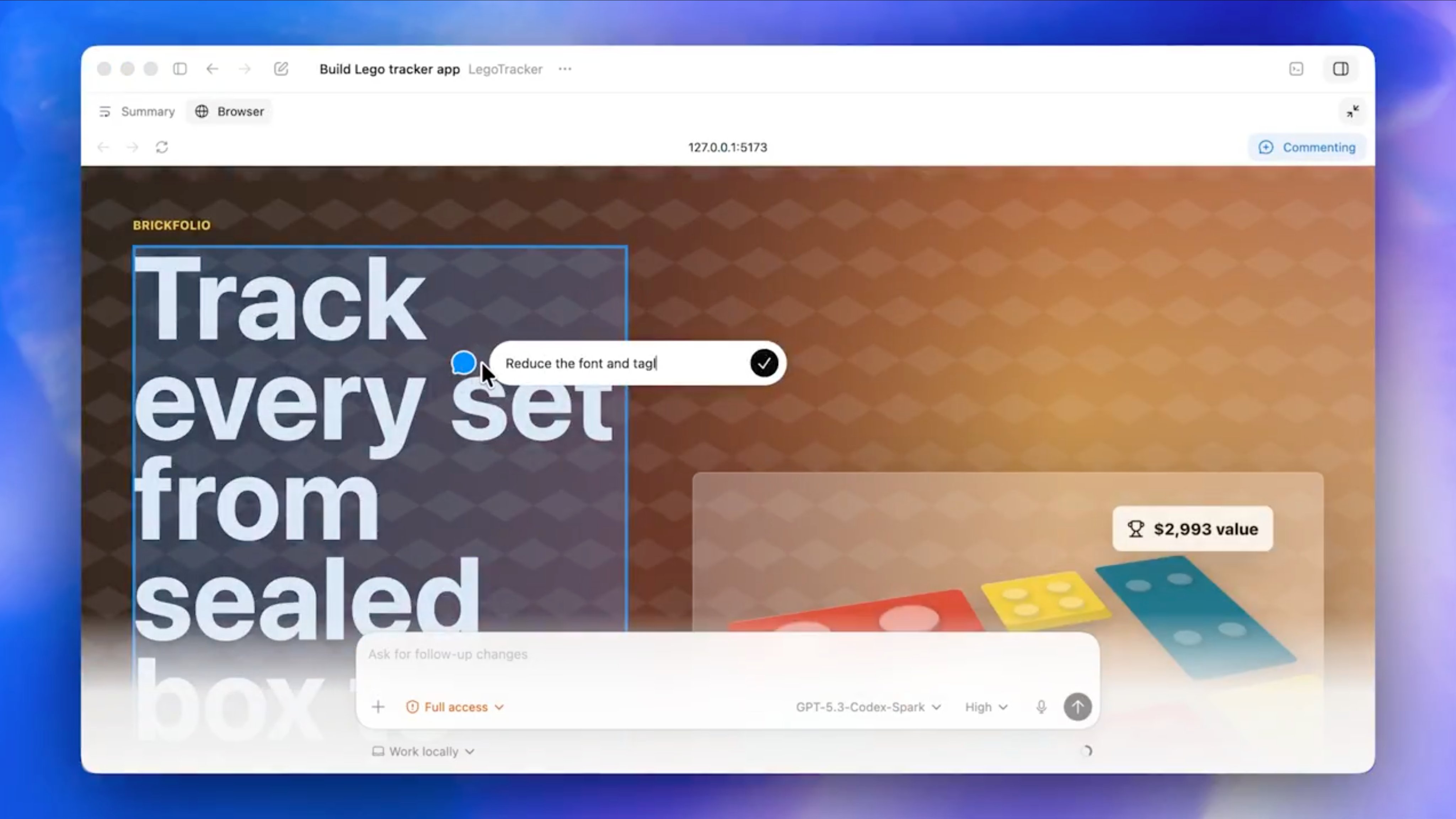
- Open the browser panel.
- Navigate to the target URL.
- Switch to comment mode.
- Click the element you want to fix.
- Send the change request in chat.
Use a four-line request
URL: the page to open
Target: the exact element
Change: what to change
Rule: what not to change
This keeps the request small and prevents design drift.
Start with one screen
Do not ask Codex to fix many pages at once.
One screen, one issue, one verification step is the safest beginner workflow.
Original Japanese Article
This article is based on the Japanese post: Codexデザインモードの使い方。初心者でも3分で再現できる手順書.
