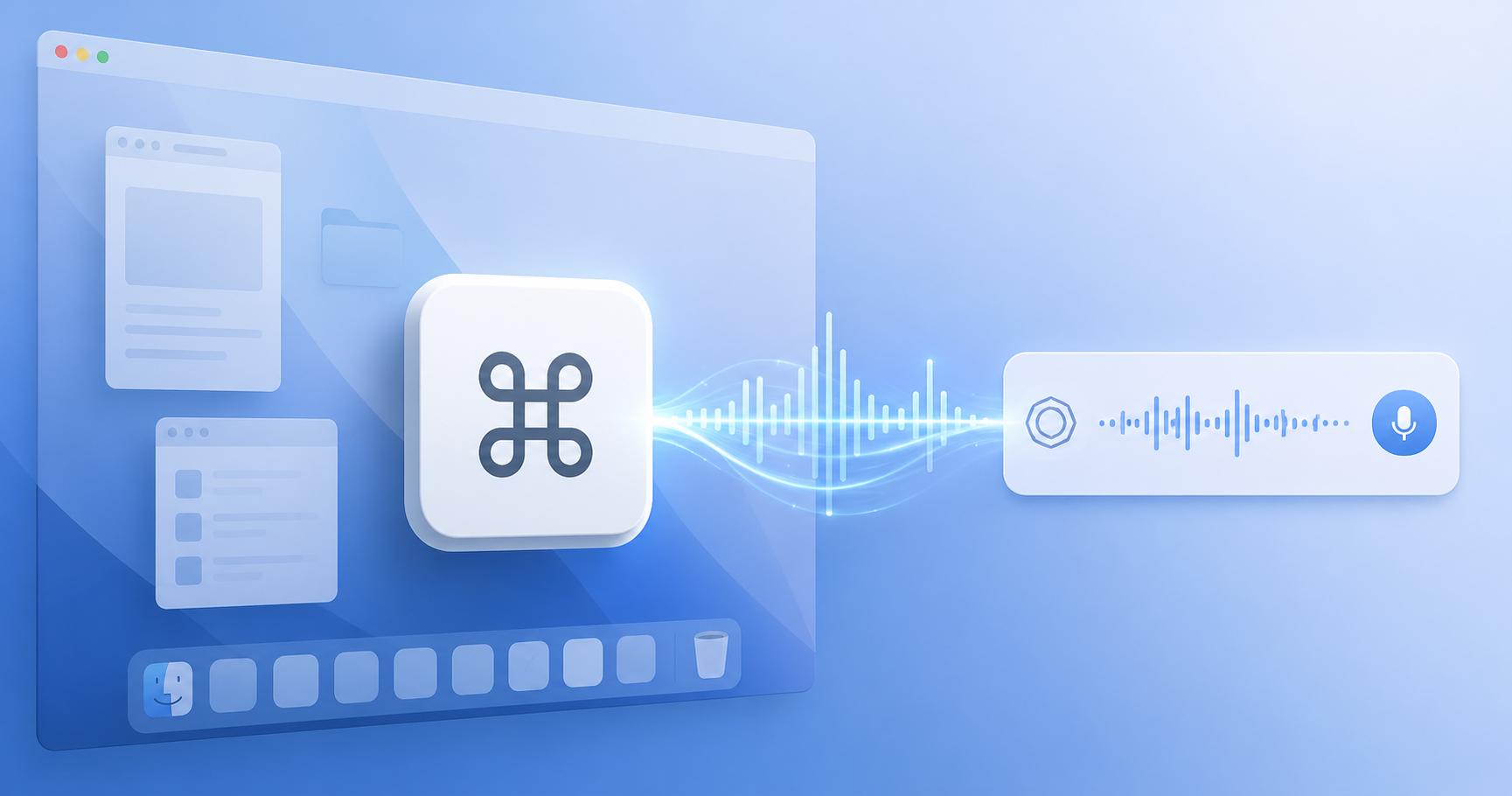
Voice input is useful when typing slows down the idea.
In Codex App, dictation becomes easier when it is available from a shortcut.
Set it from General > Dictation
Open the settings area and look for General > Dictation.
Set a shortcut that you can remember. The best shortcut is one you will actually use.
Use it for rough instructions
Dictation is especially useful for messy first thoughts.
You can speak the goal, constraints, and the feeling of the problem. Then Codex can turn it into a cleaner task.
Keep final checks typed
For exact paths, commands, and URLs, typing is still safer.
Voice is best for intent. Text is best for precision.
My rule
Use voice to start the work faster. Use typed checks to finish it accurately.
Original Japanese Article
This article is based on the Japanese post: Codex Appの音声入力をあらゆるアプリから使う方法|General > Dictationで設定.
